When you attempt to upload a video for a submission, you may receive the error "Error #-600: File size error."
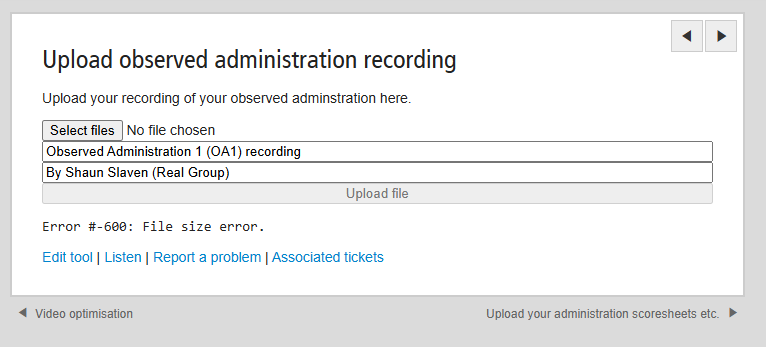
Whilst this issue is being investigated by our development team, please may you perform the following workaround:
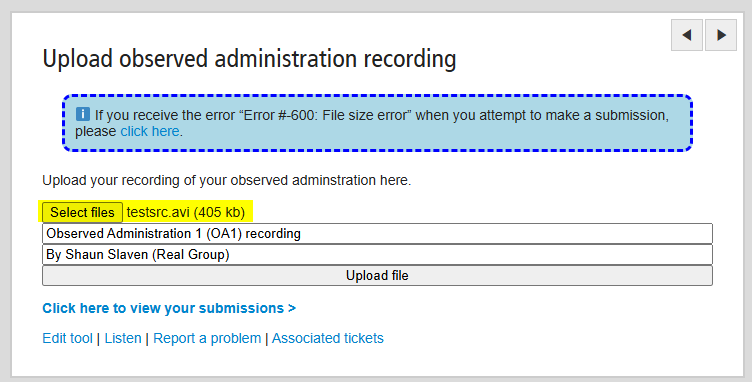
- Download the testsrc.avi video located in the attachments section at the bottom of this page (or click here).
- Upload testsrc.avi as your submission.
- Visit http://mailbigfile.com/realtraining.
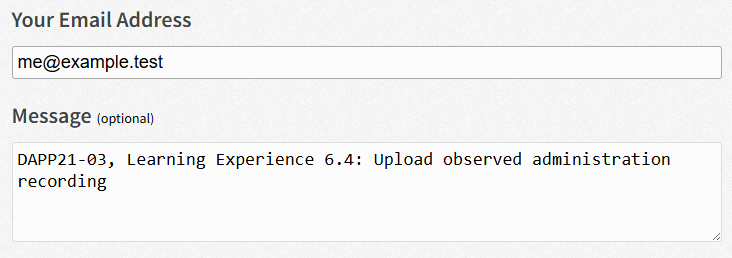
- On the MailBigFile page, upload your real video submission. In the message box, make sure to detail the course and activity which you would like your submission to be uploaded to.
- A member of the Real Group IT team will receive your real video submission via MailBigFile.
- We will replace your upload of testsrc.avi with your real submission.
Was this article helpful?
That’s Great!
Thank you for your feedback
Sorry! We couldn't be helpful
Thank you for your feedback
Feedback sent
We appreciate your effort and will try to fix the article